The Benefits of Browser-Based CAD
Why browser-based CAD (e.g. BravoCAD) makes sense for field and office: no heavy install, easier sharing, more usable PCs, and why this only became realistic recently.

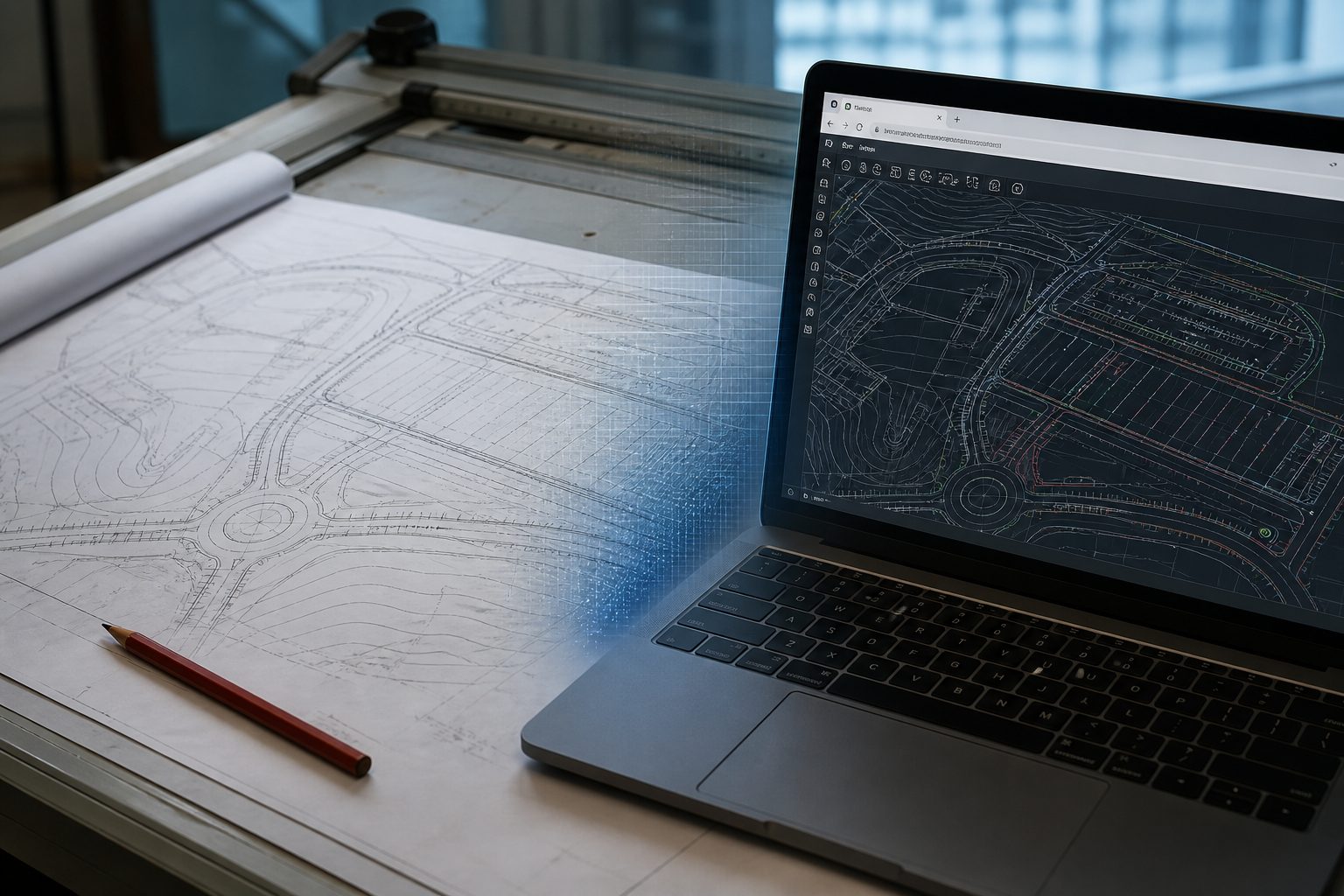
Browser-based CAD means you open and edit drawings in Chrome or Edge. The tool runs in the browser. You do not install a heavy desktop package on every laptop. BravoCAD is one browser CAD option built for contractor and civil plans.
For many contractors, the win is practical: The same plan in the office and on site, without IT rolling AutoCAD out to every machine.
What you gain
More PCs you can actually use. A site laptop or a locked office PC does not need a full CAD install. The browser is already there.
No heavy install every time. New hires and temporary machines skip installs on their PCs. Updates come with the tool, and the program does not need to update every time you open it.
Same file, more places. When the tool is built for sharing, office and field can work from the same drawing instead of emailing zip files back and forth and guessing which version is current.
Less dependence on one strong drafting machine. The drawing does not have to live only on the one PC where AutoCAD is installed.
Why this only became realistic recently
When AutoCAD was created, CAD was a desktop program. It needed a local install, a local license, and local files. Browsers then could barely show text and images. There was not enough power in the browser to draw, zoom, and edit complex plans.
Three things have changed since then:
- Browsers got strong. Modern browsers can draw and compute far more on the machine itself than they used to. Work that once needed an installed Windows program can often run in a tab.
- Networks got better. Office and site more often have stable access, so fetching a drawing and working on it is realistic without copying the whole project folder around on USB.
- File formats can be handled along the way. DWG is still a heavy, proprietary format. Today, browser tools can open and save the files you actually receive, often with conversion you do not have to manage yourself.
What browser CAD still does not replace
- Offline use: Browser-based CAD tools need internet access and cannot be used without it
Concrete example
- Site lead gets a revised DWG for a trench layout.
- Opens it in the browser on a site laptop.
- Checks dimensions, moves a few labels, saves.
- Office sees the same file without installing new software on that machine.
Bottom line
The benefit of browser-based CAD is not “cloud for cloud’s sake.” It is that more people can open and revise the plan you already work with, on the machines you already have. Desktop still belongs with full-time drafters. Browser CAD such as BravoCAD belongs where access is the bottleneck.